Machine access control for industry, R&D and universities
Every machine.Every operator.One tap.
Attraccess checks qualifications and safety briefings at the badge reader, enables the machine through your PLC, and records every session for audits, cost centres and maintenance.
- 30-day evaluation
- On-premises, your data
- Single sign-on via OIDC & SAML

Trusted in production at
- TUHHTechnische
Universität HamburgUniversity · labs & workshops - aticinteriorWoodworking coworking & interior manufacturing
100 %
of machine sessions tied to a qualified person
0
paper sign-off sheets for safety briefings
1 click
audit export per machine, person or cost centre
How it works
Qualify. Tap. Record.
Three steps that replace paper sign-off sheets, shared keys and guesswork.
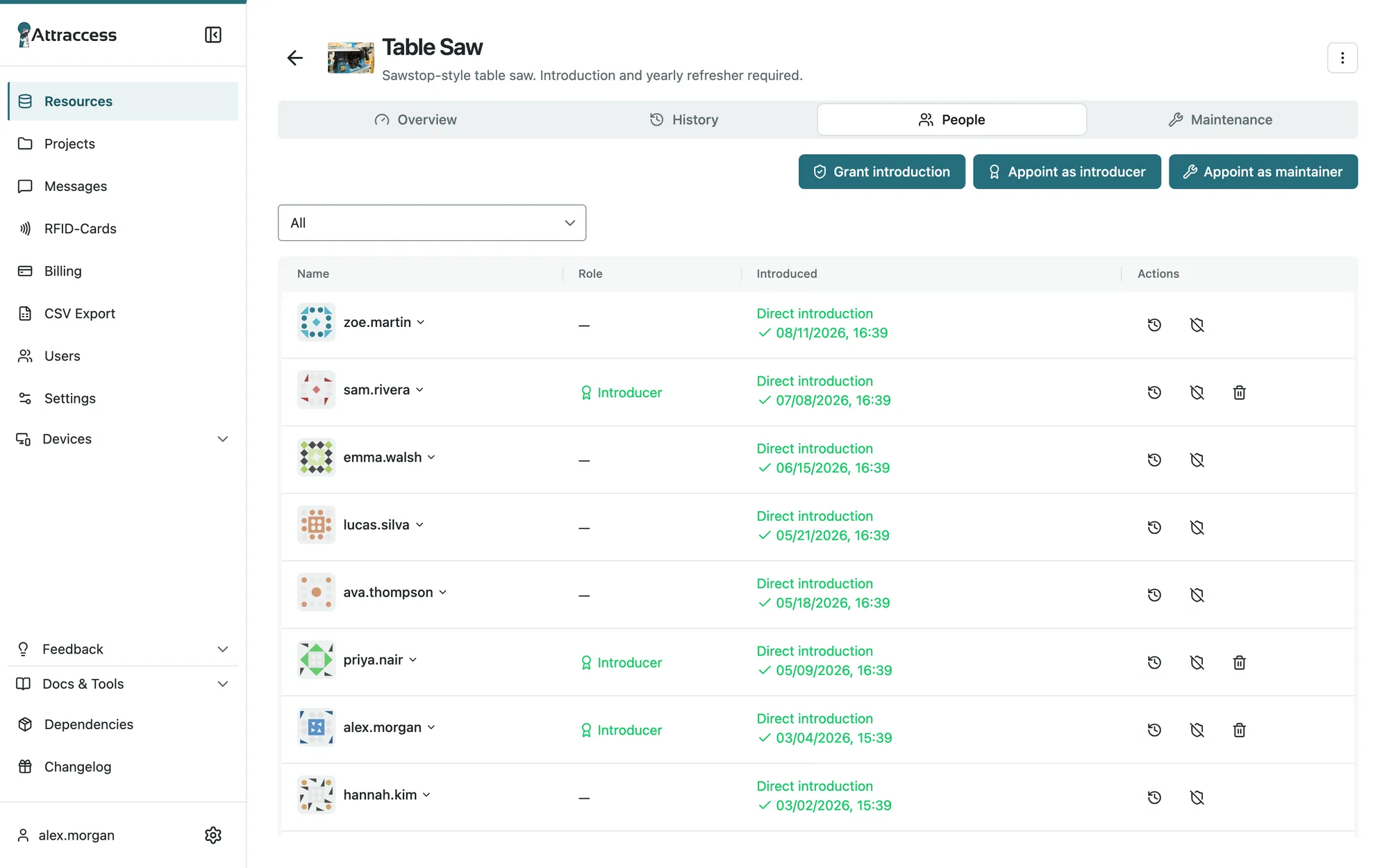
1 · Qualify
Record safety briefings and machine introductions with an expiry date. Appoint trainers per machine or machine group, and require a yearly refresher.
2 · Tap
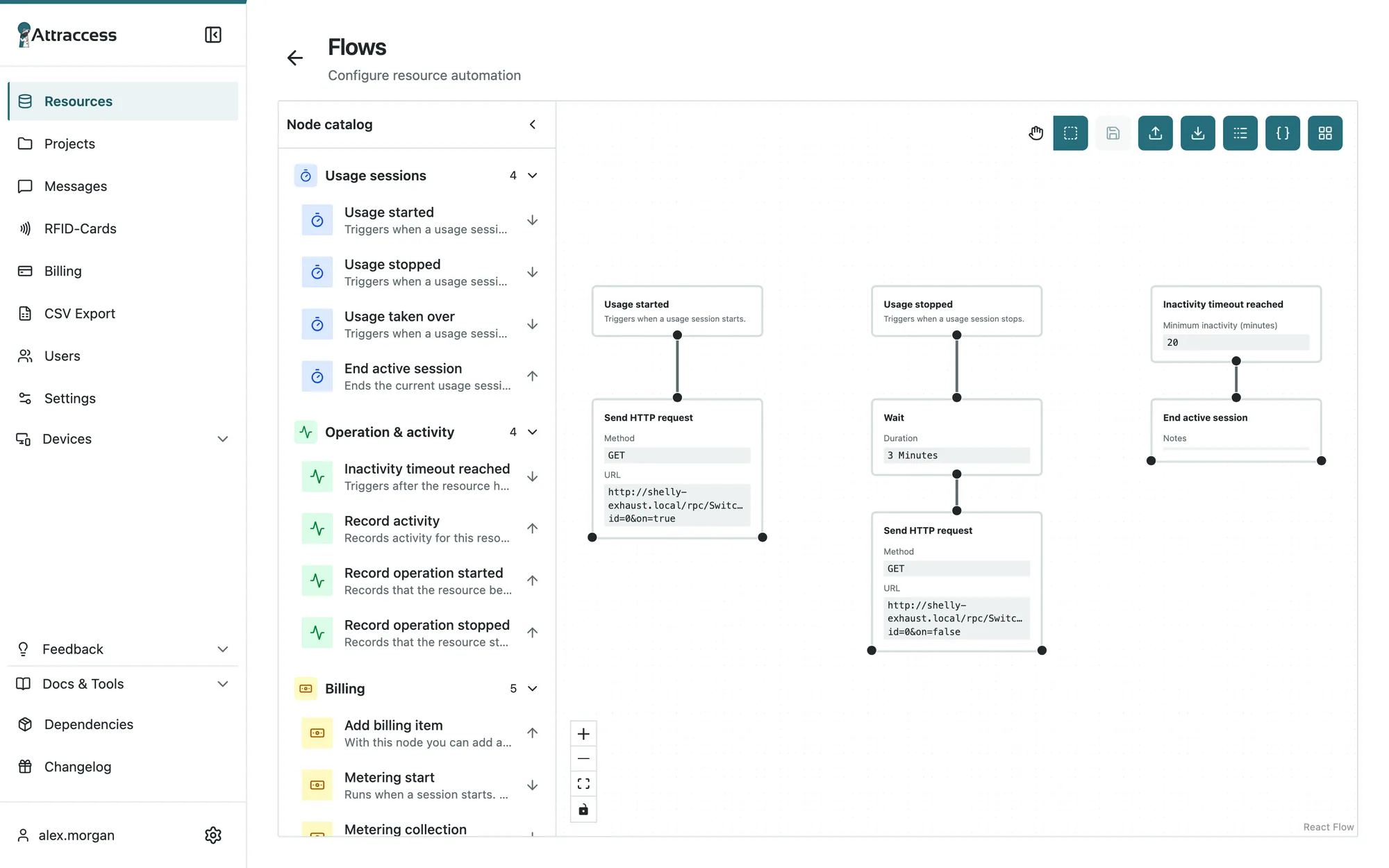
The operator taps their badge at the reader. Attraccess checks the qualification and enables the machine through your PLC – or keeps it locked.
3 · Record
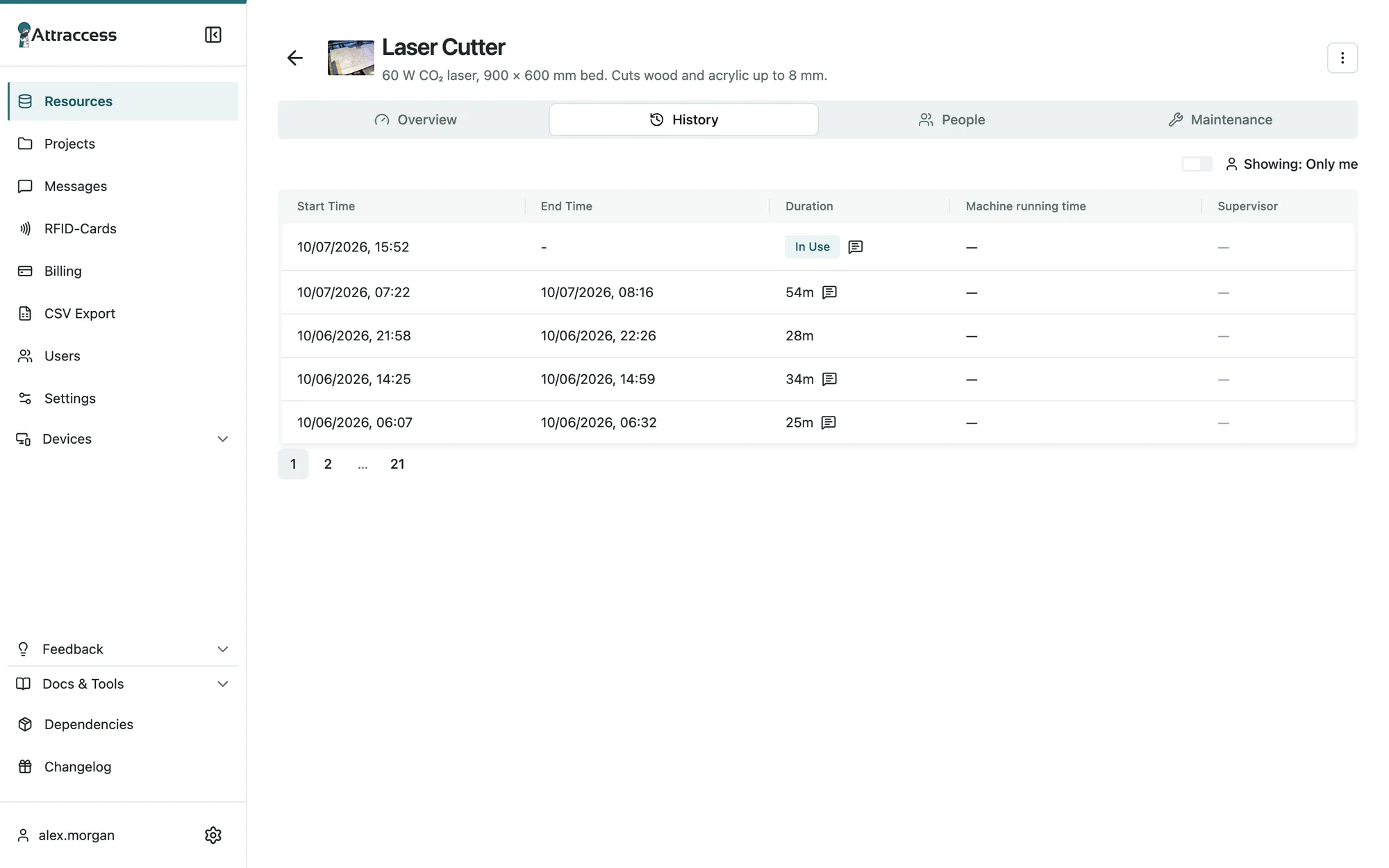
Every session with person, duration, project and report. Usage hours feed preventive maintenance, exports feed your auditors.
One app, every screen
Desk, shop floor, pocket, machine.
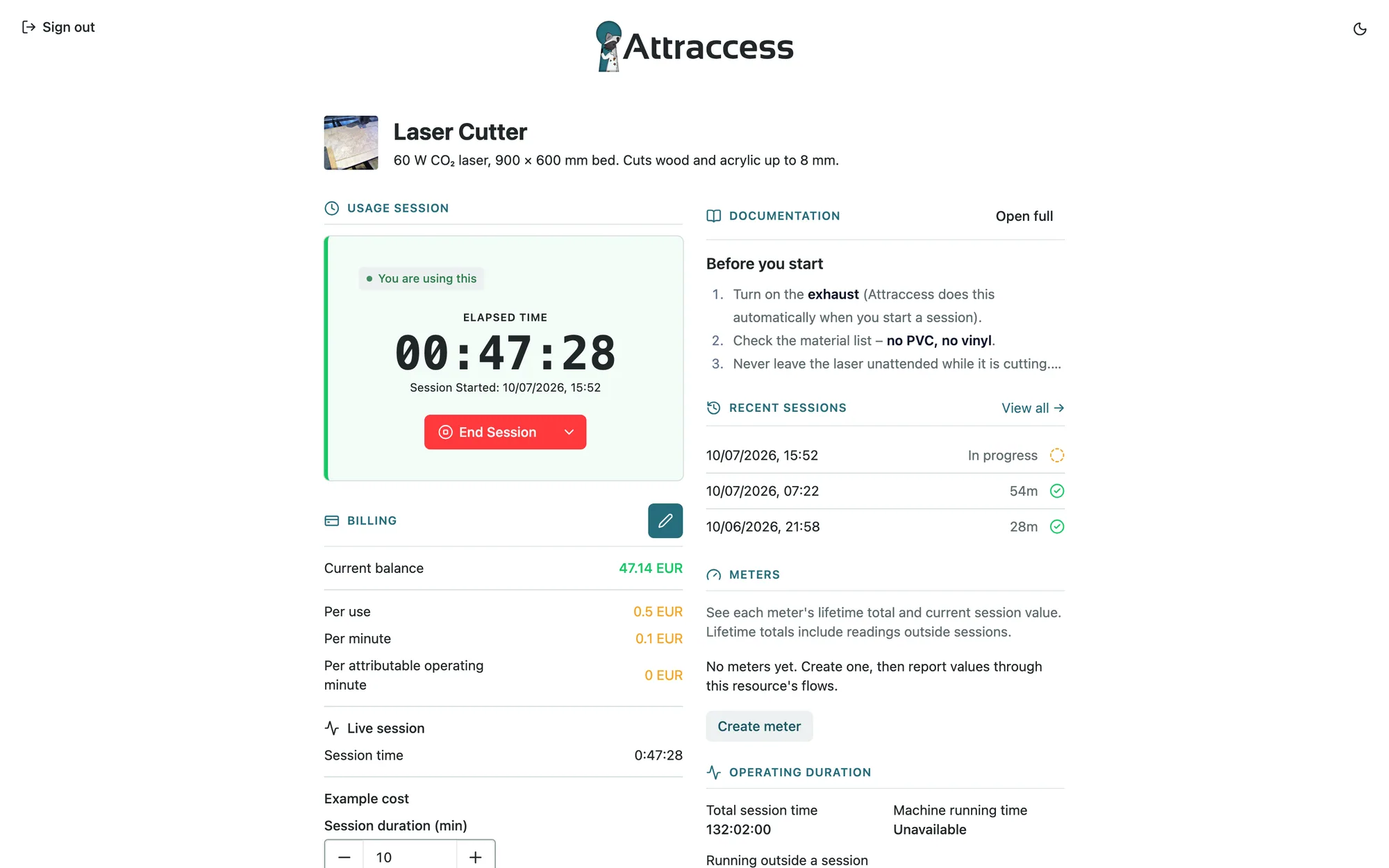
One web app on desktops, tablets and phones – and on the Attractap touchscreen at the machine. Nothing to install, nothing to keep in sync.
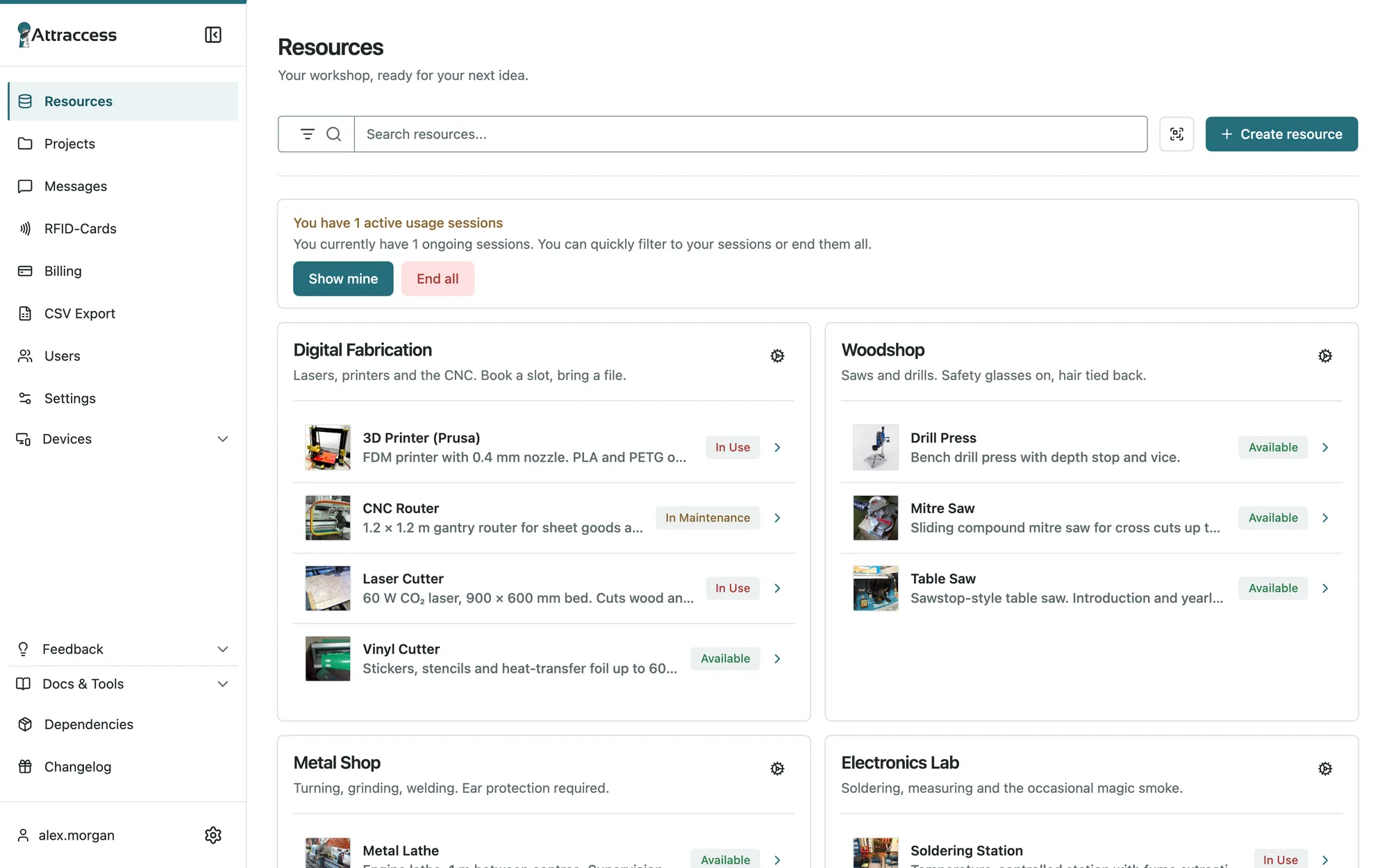
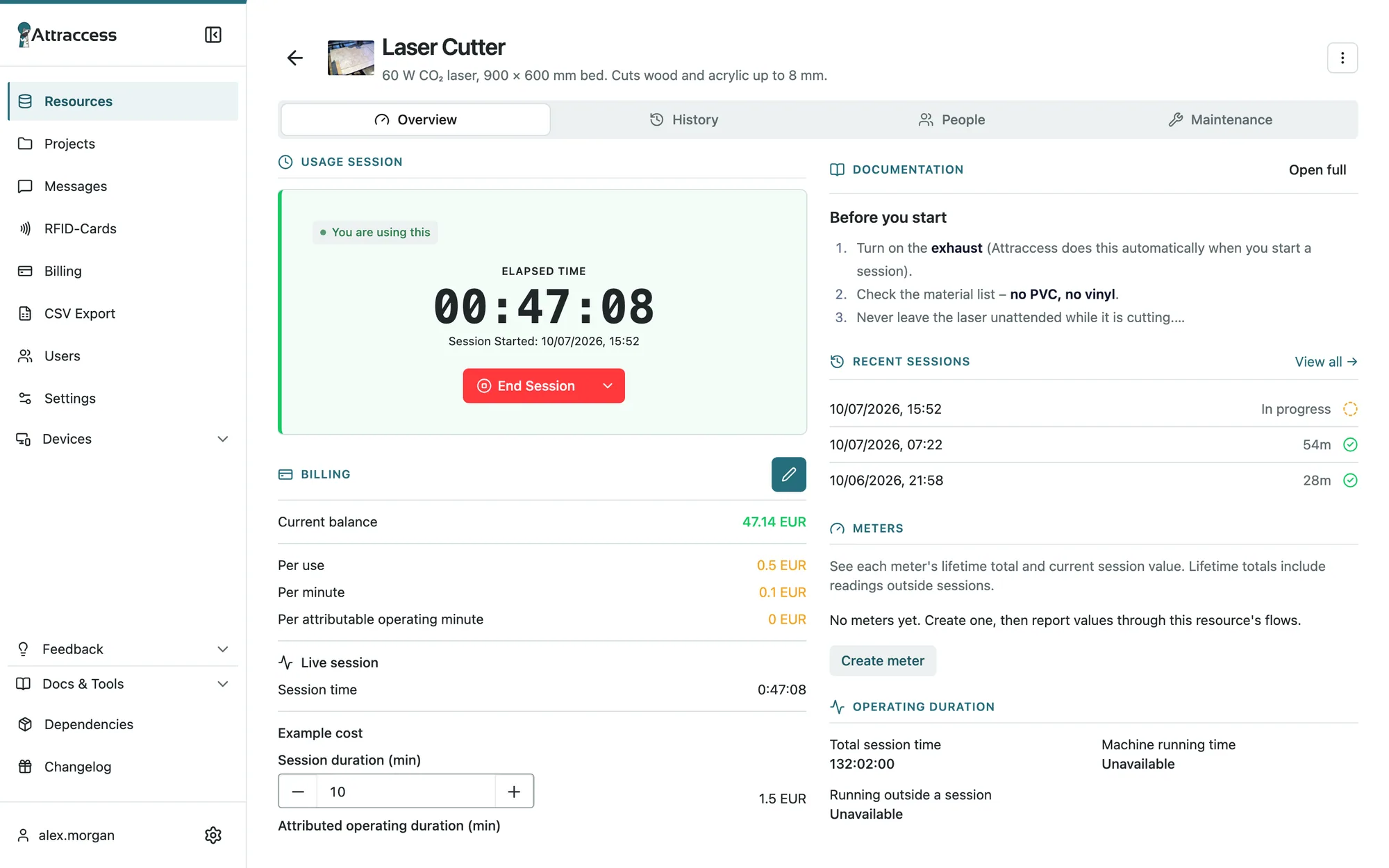
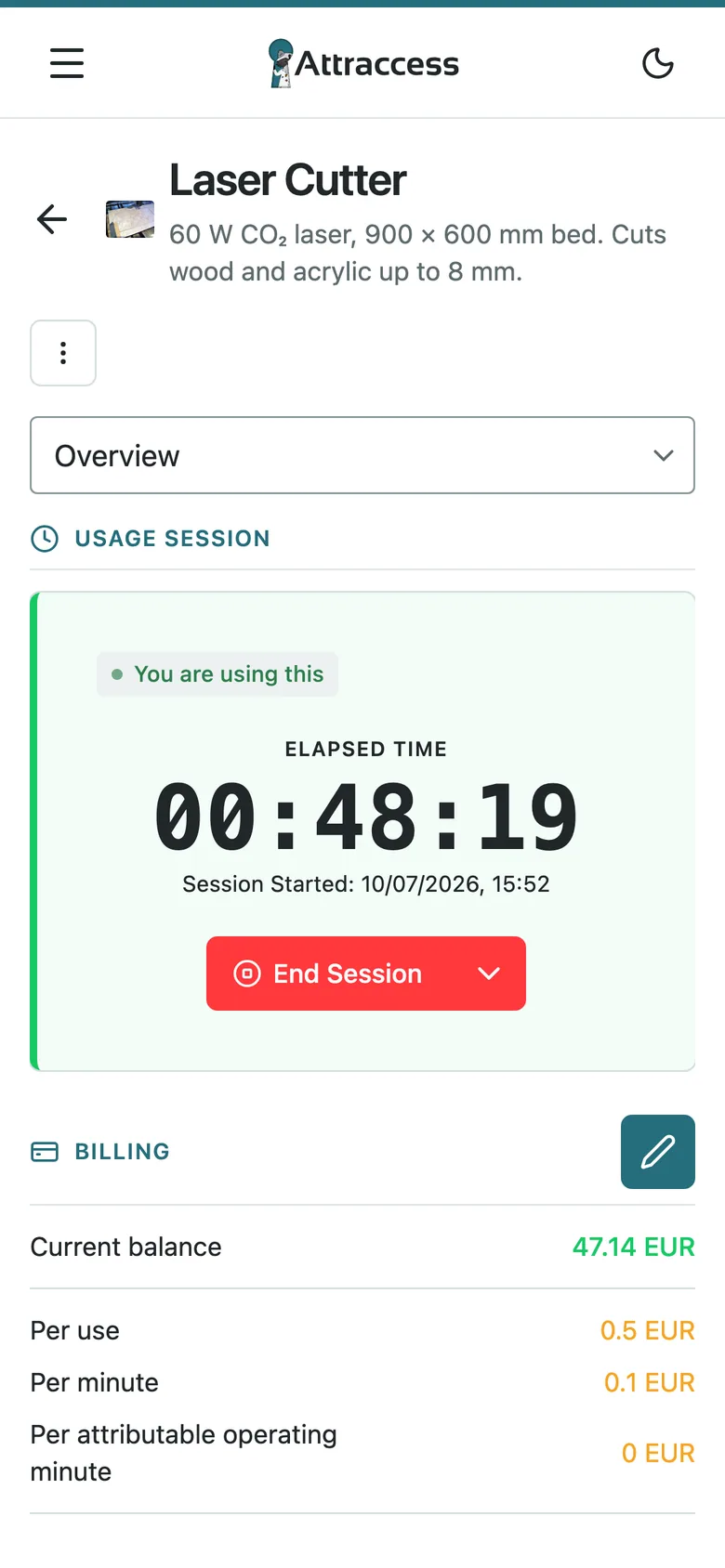
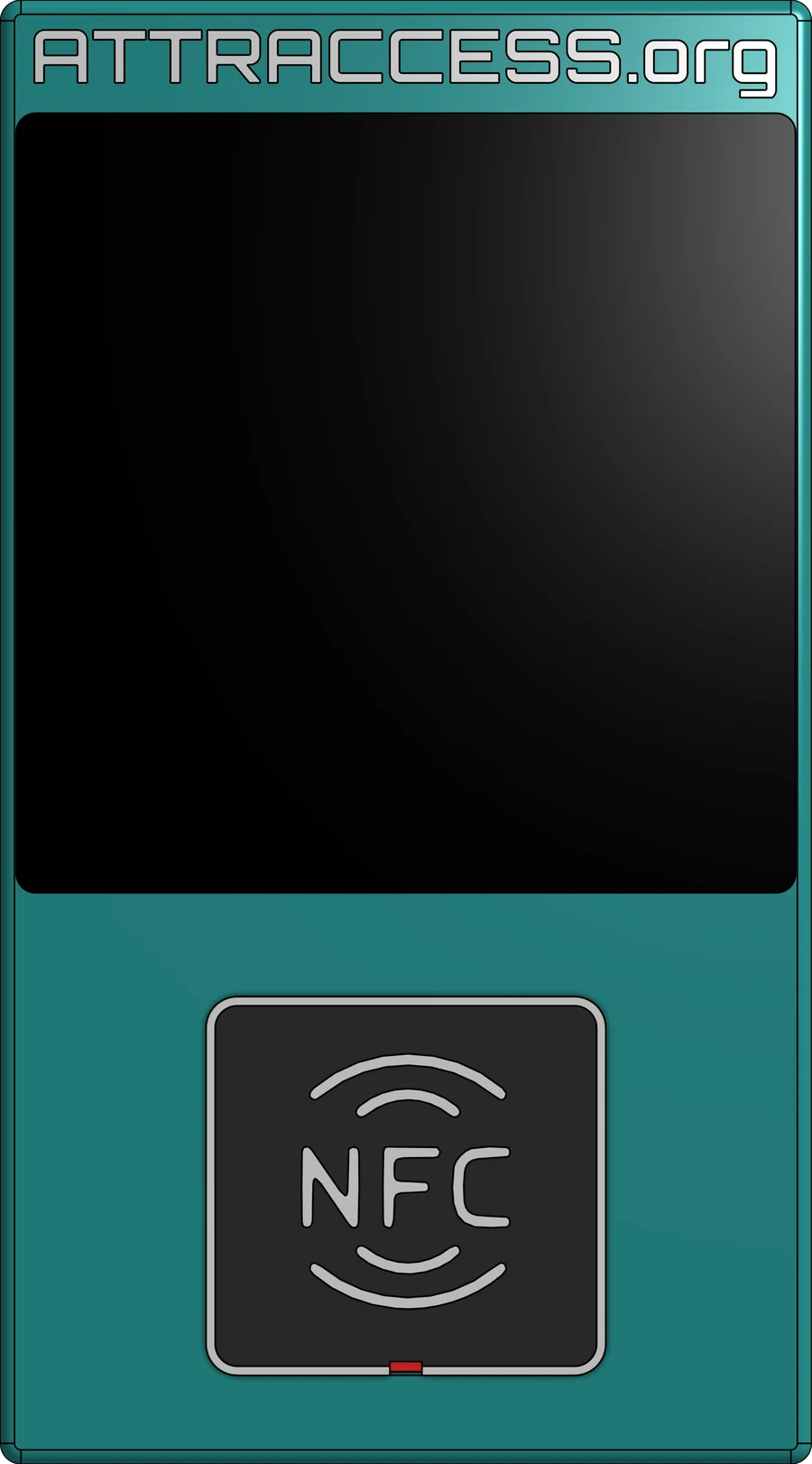

Desktop
The full console for safety officers, shop-floor leads and admins: qualifications, maintenance, audit exports.
Tablet
Walk the shop floor with live machine status, defect reports and introductions at hand.
Phone
Installable web app: start sessions via QR code, report defects with a photo, check your history.
Attractap reader
Touchscreen badge reader at the machine. Same app, same rules – right where the work happens.
Attraccess Companion
Lock the PC, not the machine.
Many machines are run from a computer: the CNC’s control PC, the laser’s job software, a shared CAD workstation. The Companion app keeps that computer locked until someone qualified starts a session – and locks it again afterwards.
- No wiring inside the machine’s control cabinet
- Shared workstations and licensed software, gated by qualification
- Idle detection ends forgotten sessions
- Admin override for emergencies
- Windows, macOS and Linux
Integrations
Industry standards first.
PLCs, single sign-on and secure badges for production. Smart relays and home automation still work for smaller setups.
Machines & PLC
Enable machines through the controllers already in your control cabinet.
- WAGO PLC (CC100)
- Modbus RTU
- MQTT
- AMQP / RabbitMQ
- Node-RED
- OPC UAPlanned
Identity & SSO
Employees sign in with the account they already have. Groups map to roles automatically.
- Microsoft Entra ID
- SAML 2.0
- OpenID Connect
- Keycloak
- Authentik
- Passkeys / FIDO2
Badges
Secure, clone-resistant credentials – including the company or campus badges people already carry.
- Your existing DESFire badges
- MIFARE DESFire EV2/EV3
- NTAG 424 DNA
Workstations
The Companion app locks control PCs and shared computers until a session runs.
- Windows
- macOS
- Linux
IT & operations
Runs on your own servers, reports to your monitoring, talks to your other systems.
- REST API / OpenAPI
- HTTP webhooks
- Prometheus
- Grafana
- Docker
- CSV / audit export
- ERP / SAP exportPlanned
Smart relays & DIY
For smaller setups and quick pilots: consumer relays and home automation work too.
- Shelly
- Home Assistant
- Mosquitto
- ESP32
Try it – no hardware needed
Tap a badge. Watch the machine react.
This is the Attractap reader. Drag a badge onto the NFC pad – or just click one – and see what Attraccess does behind the scenes.
Drag onto the NFC pad →
Psst: try Jamie, then let Priya supervise.
 AttraccessLaser CutterAvailableOK NET
Live status

Meanwhile, in Attraccess
- Waiting for a card…
Demo clock runs at 60× – one second is one minute.
Under the hood
Playful on the outside. Serious where it matters.
Single sign-on
OIDC and SAML with Keycloak, Authentik, Entra ID & co. Map groups to roles automatically.
Passkeys & 2FA
Passwordless sign-in, authenticator codes and password policies.
Roles & permissions
Fine-grained permissions for resource managers, billing and user admins.
Audit log
Every sensitive change is recorded – who, what, when.
Self-hosted
One Docker container, your server, your data. Backups are a single folder.
Monitoring
Prometheus metrics and ready-made Grafana dashboards.
Plugins
Extend the backend and frontend – WAGO and Shelly support ship as plugins.
English & German
Including email templates, so everyone feels at home.
Pricing
Licensed for business. Free for non-profits.
Commercial licenses come with priority support and help with setup and integration. Non-profit workshops and schools keep using Attraccess for free.
Commercial
Let’s talk
For companies, research institutes and anyone running Attraccess as part of a business.
- 30-day free evaluation
- Commercial license
- Priority support
- Help with setup, hardware and PLC integration
Non-profit
Freeforever
For associations, community makerspaces, schools and private use.
- Every feature, no limits
- Unlimited users & machines
- Self-hosted on your own server
- Community support on GitHub
Source-available under the Prosperity Public License 3.0 (modified).
FAQ
Good questions.
Pilot it on three machines.
Start with a free, no-obligation call about your machines. We help you pick the machines, wire the PLC and connect your identity provider – and you decide after 30 days.